Navigator · Toggl Track · Windows desktop
Asked to redesign onboarding, I argued it wasn’t the problem.
Sometimes the right move is to change the question.
I turned an onboarding redesign into a persistent feature navigator — a pattern that shipped and was later rebuilt for Toggl 2.0.
- not just exposure
- Locked figure Navigator selections
- engaged with the Navigator
- Locked figure of new users
- before selection dropped away
- Locked figure personalised features
- adopted beyond its original scope in 2.0
- 2 products
Role
V1 — originator & sole designer V2 — advisor
Timeline
V1: Aug → Sep 2025 V2: Jun–Jul 2026
Team
Cross-product — Windows desktop → Toggl 2.0
Scope
Strategy → research → UX → UI → specification
In short
- The brief
- Increase adoption of desktop-specific features that contributed to activation and retention.
- The insight
- New desktop users were being asked to configure the product before they’d had a chance to experience it — and discovery largely stopped after onboarding.
- The solution
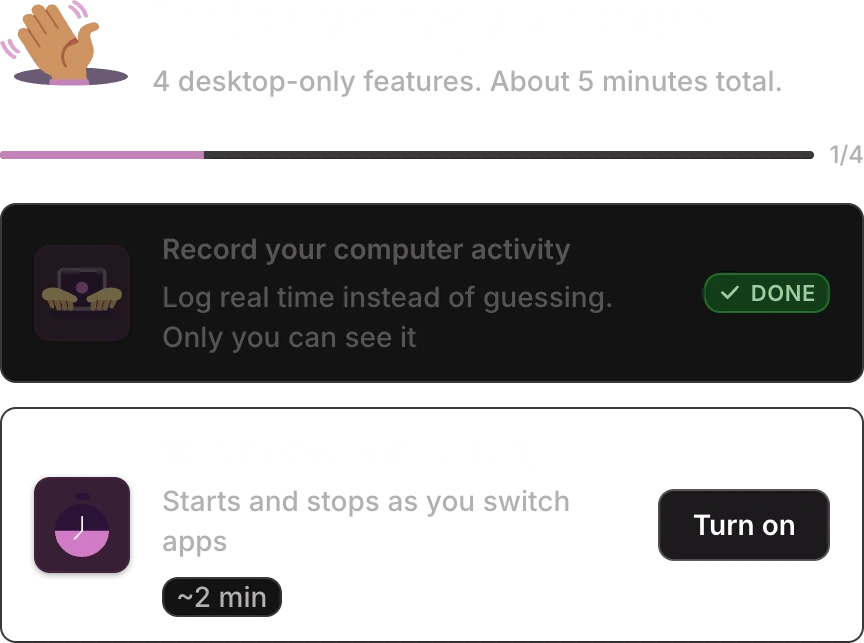
- A personalised Navigator that stayed available after onboarding — there when you wanted it, out of the way when you didn’t — introducing relevant features and letting users explore them at their own pace.
- The results
- Engagement grew steadily after launch, and attention concentrated on the first four personalised features.
What shipped
A short list of what to try next, picked for how you work.
Process
One pattern. Argued for, shipped, re-examined, rebuilt.

 01 —ResearchUsers skip onboarding, and the tooltips too
 02 —ReframeNot a better tour: change the model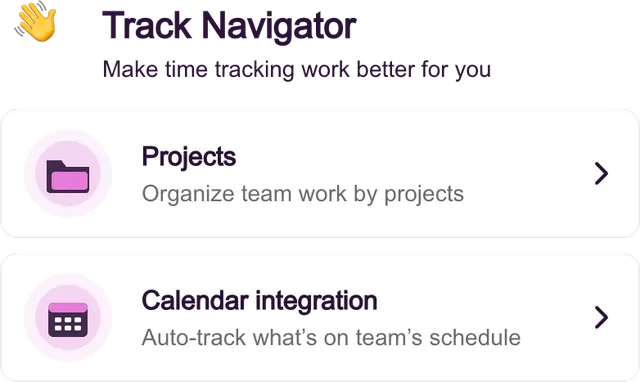
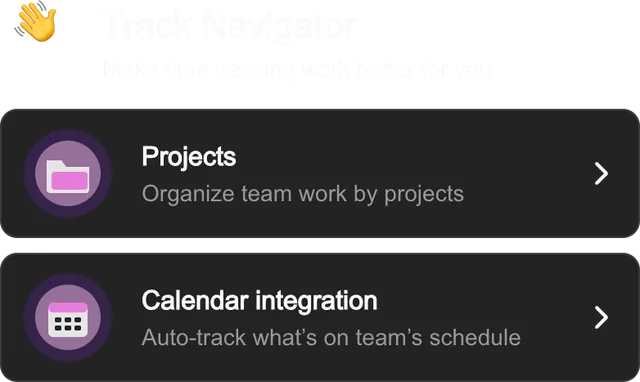 03 —ShipV1 on Windows, 4 or 5 items, personalised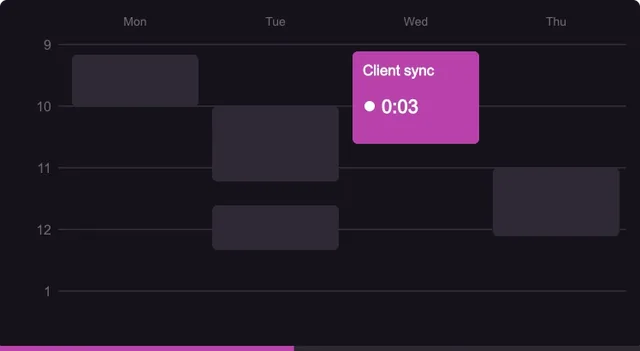
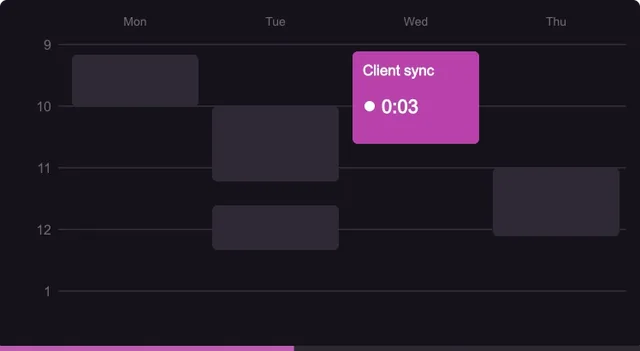 04 —ReadoutReal usage data from launch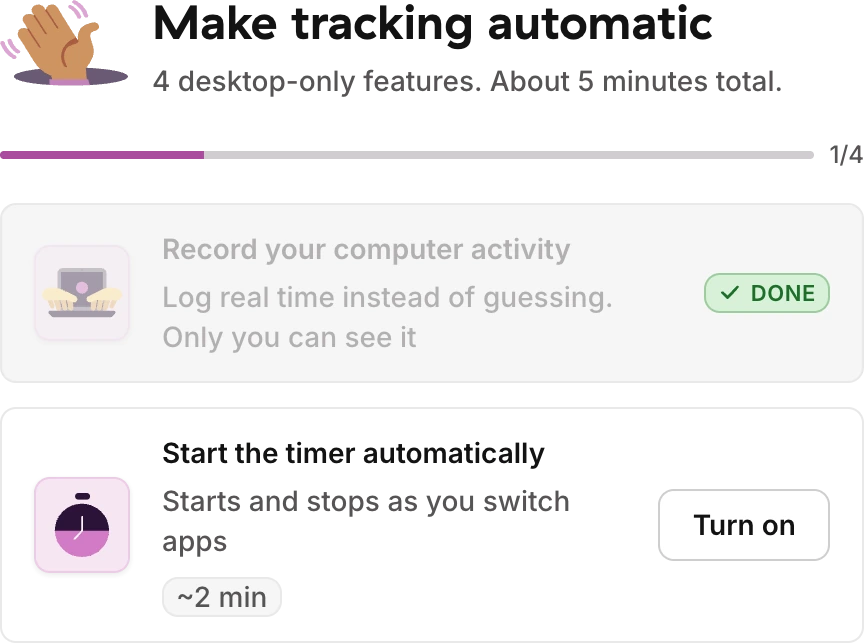
 05 —V2Rebuilt for Toggl 2.0 by another team
More case studies
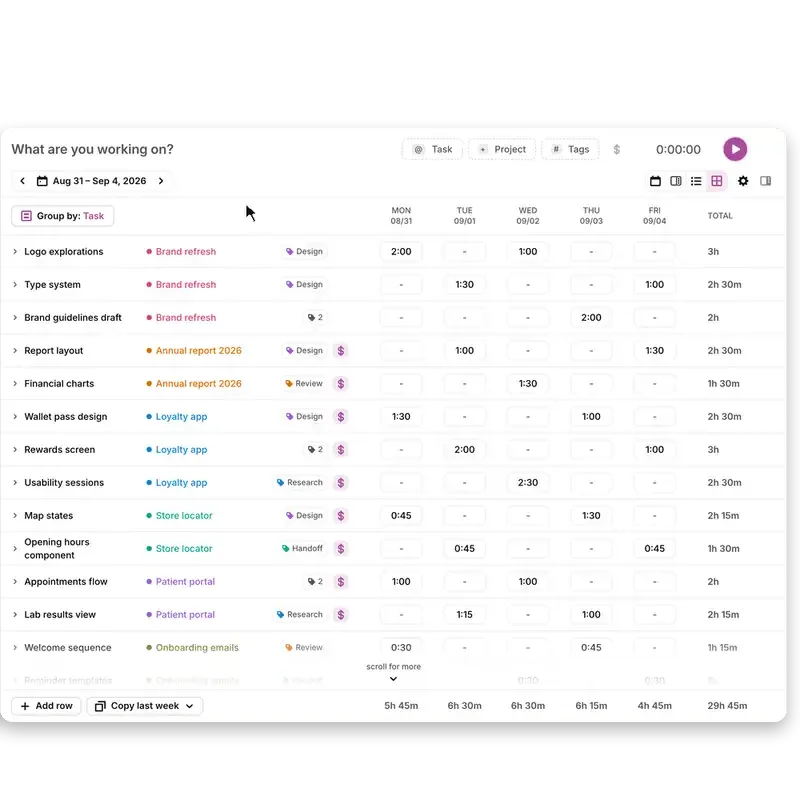
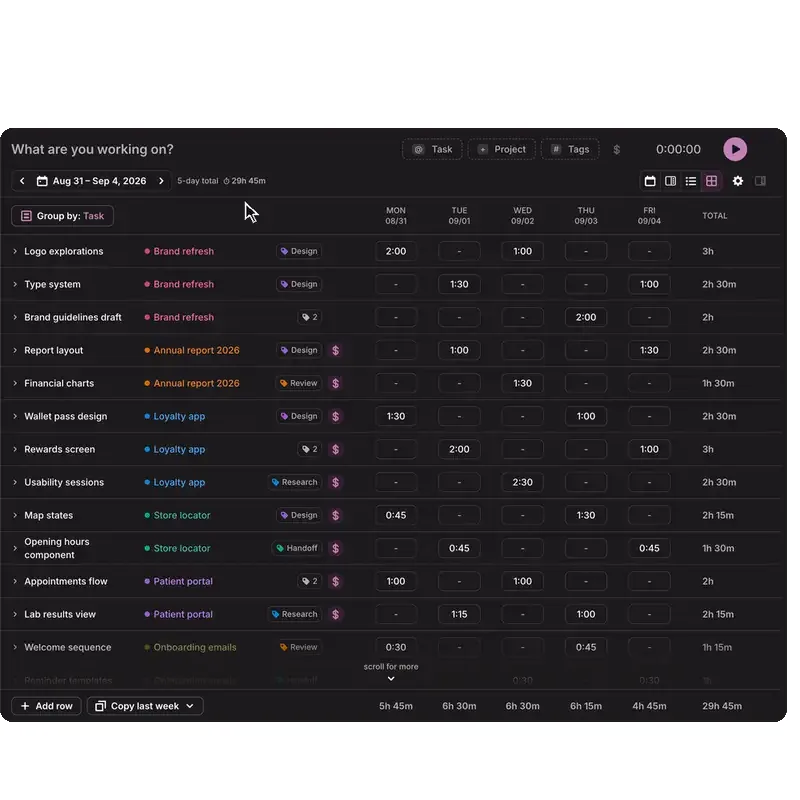


Case studyThe timesheet kept getting more complicated. The interface didn’t have to.Product design · continuous ownership
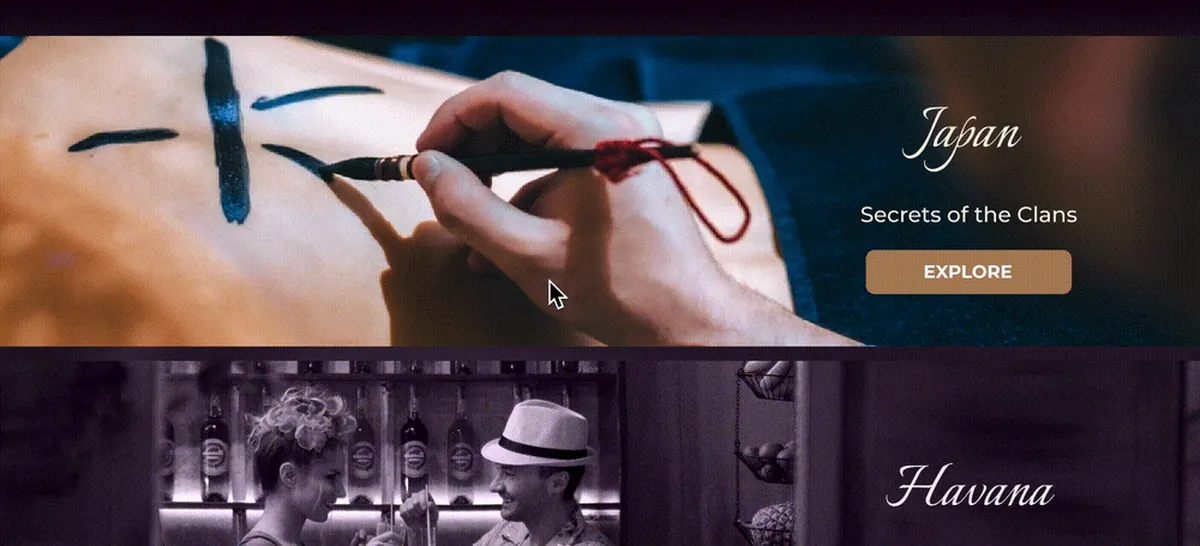

Case studyThe hotel already had the trust. The website didn’t.Web design · hospitality
Work gallerySole designer for the first MVP of the browser extensionBrowser extension · sole designer
Case studyI didn’t prototype the screens. I prototyped the product.Product design · sole designer