Skip to content

Toggl 2.0 extension for Chrome and Firefox
Toggl 2.0Toggl 2.0

Sole designer for the first MVP of the browser extension

I designed the extension from scratch as a focused companion to Toggl’s web app — translating its core time-tracking experience into the browser while deciding what the MVP needed, what could stay in the full product, and how to make automation and in-page actions feel native to the tools people already use.


Available in the Chrome Web StoreAvailable in Firefox Add-ons

10K+users on Chrome and Firefox

Role

Sole product designer

Timeline

October 2025 – August 2026

Team

PM, Tech Lead, Extension engineers

Scope

Popup · in-page actions · Auto Tracker

The extension

First versionsShipped

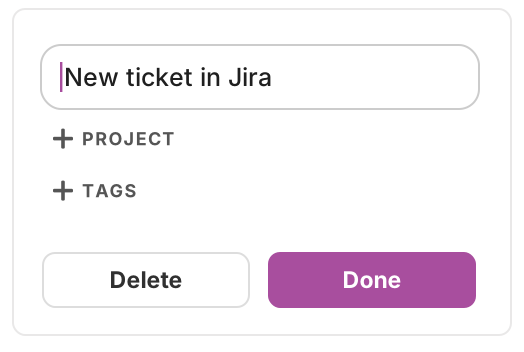
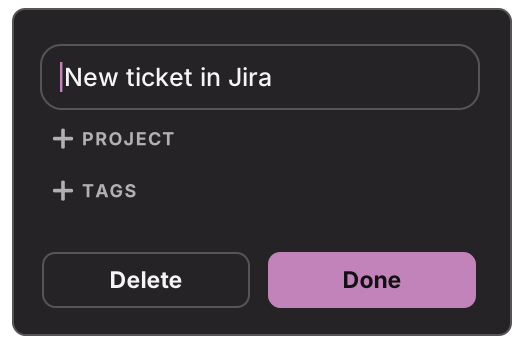
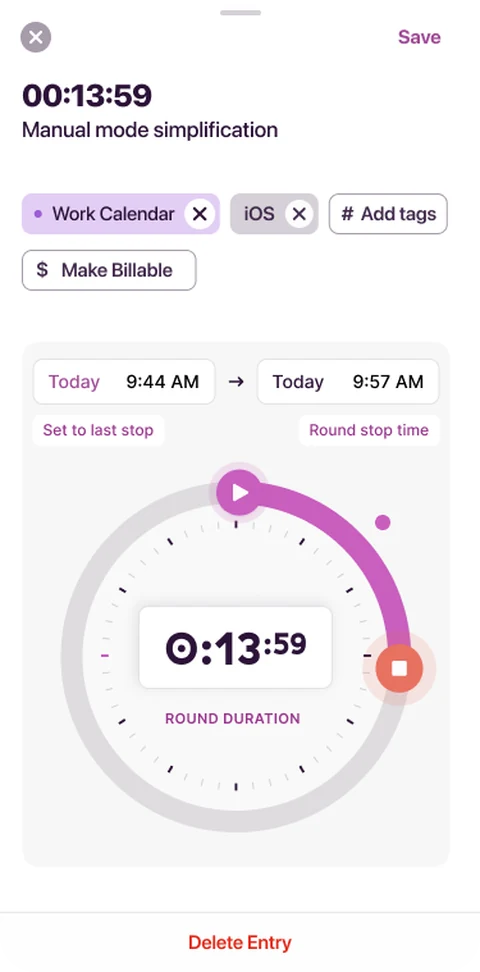
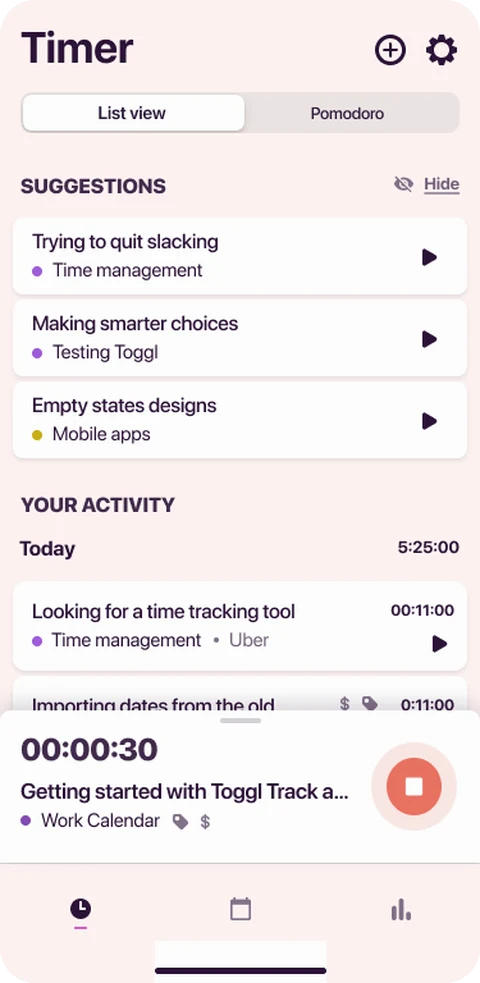
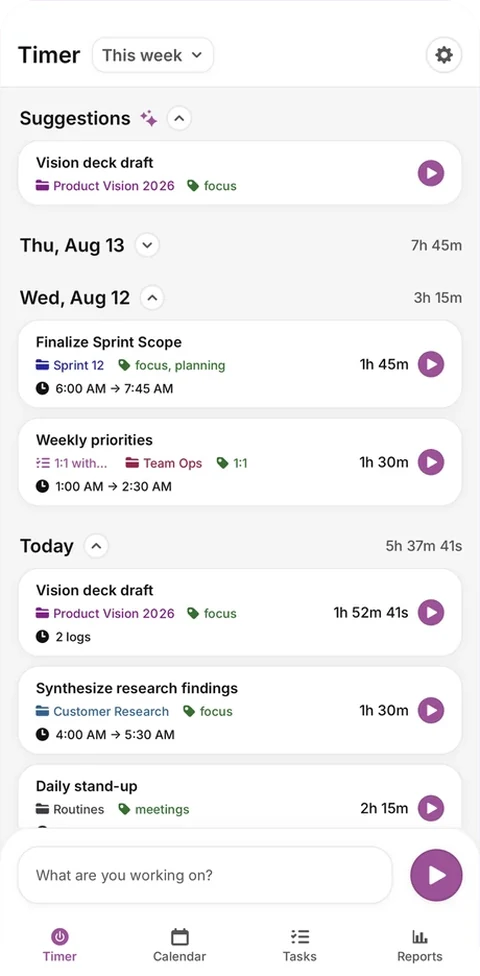
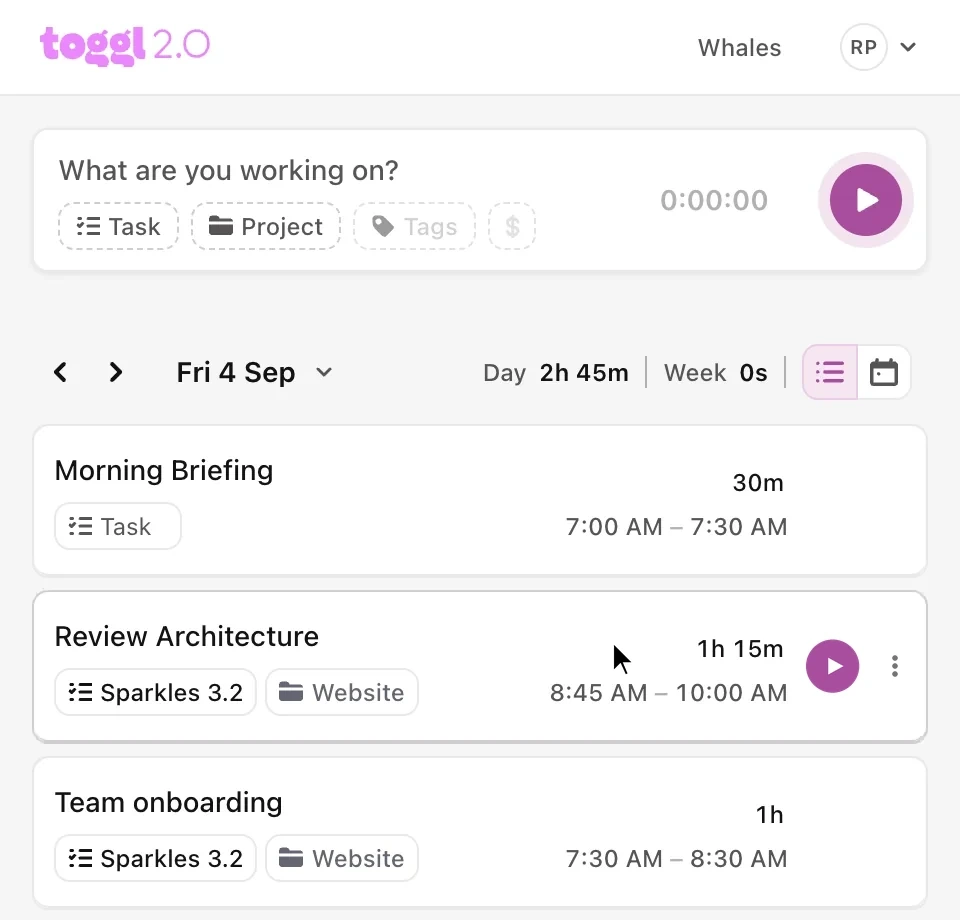
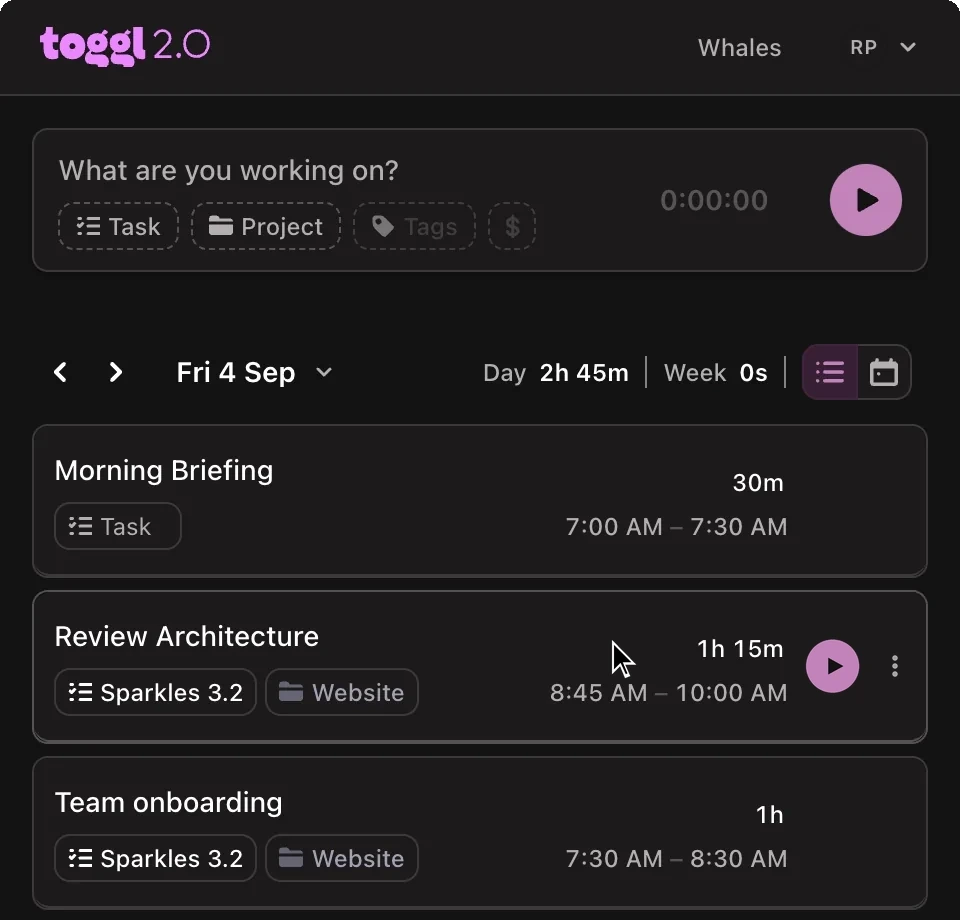
The popup, and a start button inside the tools people already work in. Frames from the MVP design file, drawn before the 2.0 rebrand.

Promotion banner

May 2026Shipped

Offers the extension on the sites it can already track. Eleven variants, three copy angles; the three shipped in June in my copy.
Utility
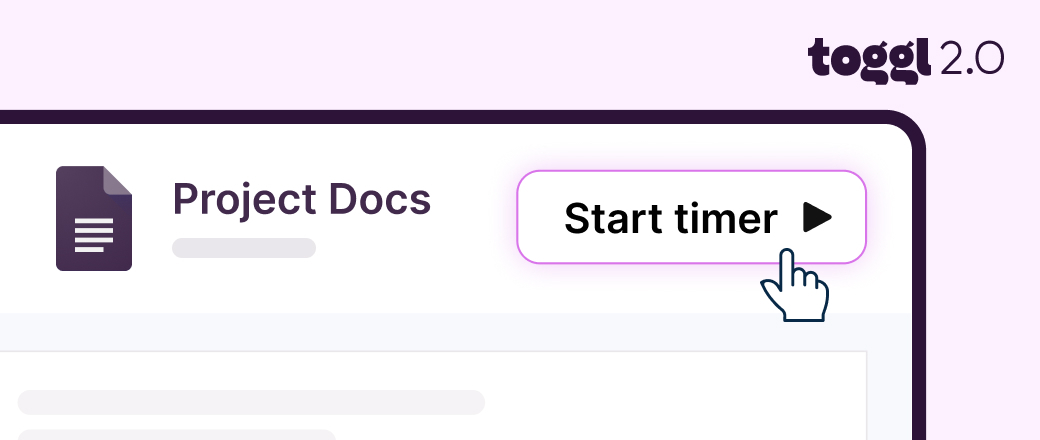
A Start timer button beside a document, with a hand cursor over it
Toggl extensionOne click. Time tracked.A play button appears next to your Google Docs. No copy-pasting. No tab switching.
Not nowEnable
Flow
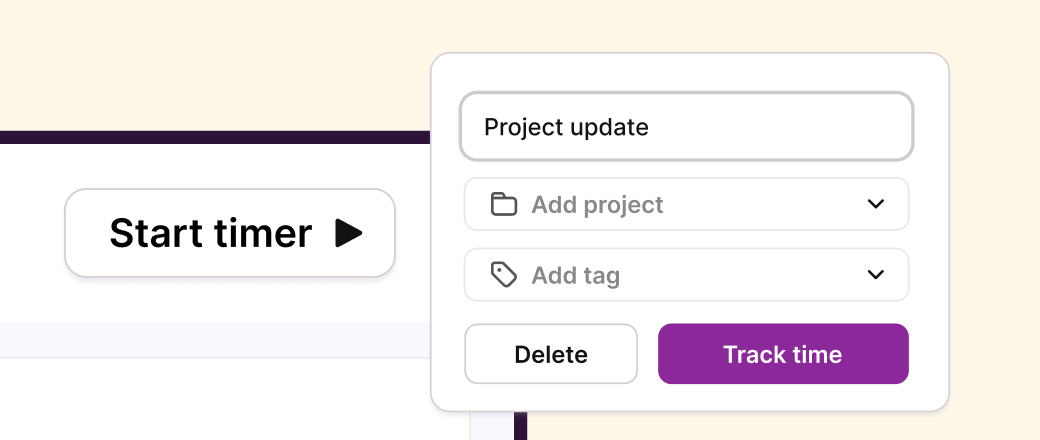
The extension popover: description, project and tag fields, and a Track time button
Toggl extensionTrack time without breaking flowAdd a timer to the tools you already use — a start button appears right next to your tasks, issues, and meetings.
DismissEnable
Auto-tracker
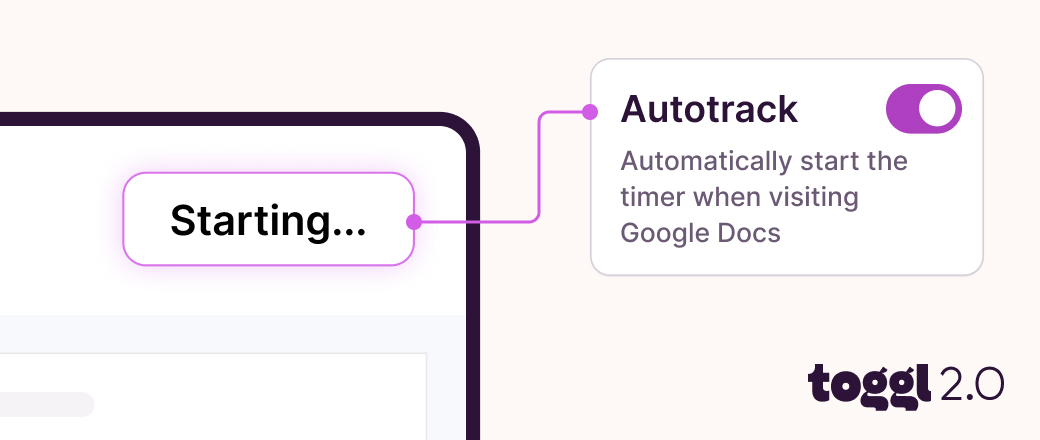
An Autotrack toggle switched on, wired to a timer that reads Starting…
Toggl extensionStop forgetting to hit playAuto-tracker logs your Google Docs time as you work — no manual timers, no missed entries.
HideEnable

Floating timer

June 2026Prototype

Visible on any page only while a timer runs, says when it started on its own, and never ends silently.

Sprint planning notesAuto-tracking · Google Docs
0:42:18Stop
Homepage copy
1:05:09Stop
Tracking
Task, time, one-tap stop.
BUG-214Auto-tracking · Jira
0:03:41Stop
Auto-tracking
Says what started it.
0:42:18
Collapsed
Time only.

The day in the popup

June 2026Prototype, then shipped

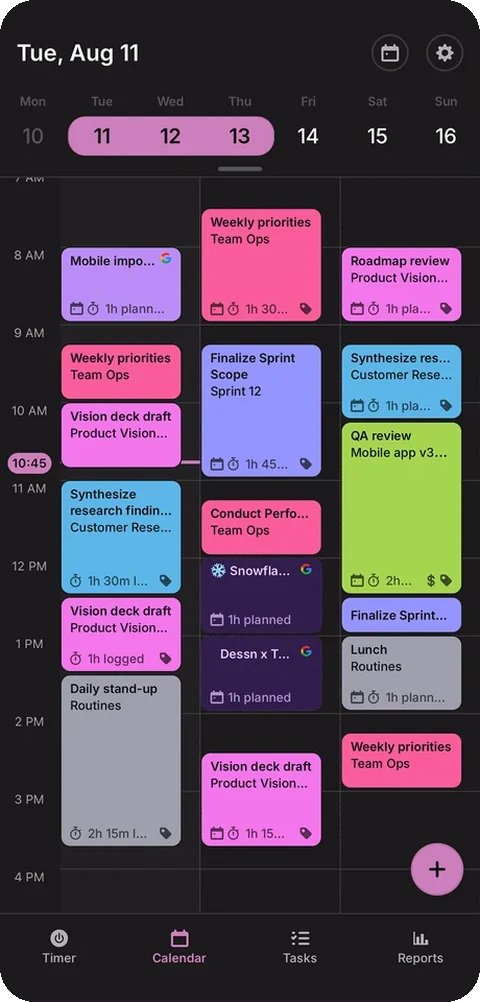
Activity, Logged and Calendar on one hour grid, with one click to log what you did. In production eight days later, rebuilt by an engineer.

Recording
Mon, Jun 15
1h 10m logged
Activity
Logged
Calendar
12
PM
1
PM
2
PM
3
PM
4
PM
5
PM
CNS25m
GNA38m
ZCN30m
FCS26m
FCC49m
FaceTime, Claude, Google Chrome, Linear
SCG31m
Inbox & planning
Design review
Design review
Customer interview
1h
3:00 PM – 3:49 PM
FFaceTime24m
Interview — candidate screen24 min
CClaude15m
CGoogle Chrome7m
LLinear3m
Total time49m
Log time
Recording off
Mon, Jun 15
1h 10m logged
Activity
Logged
Calendar
12
PM
1
PM
2
PM
3
PM
4
PM
5
PM
Fill the gaps in your daySee which apps and sites you used, so you can log time you missed. Only you can see it, and it never leaves this device.Turn on
Inbox & planning
Design review
Design review
Customer interview
1h